

App Store vs Google Play: Which Should Your Small Business Launch on First?
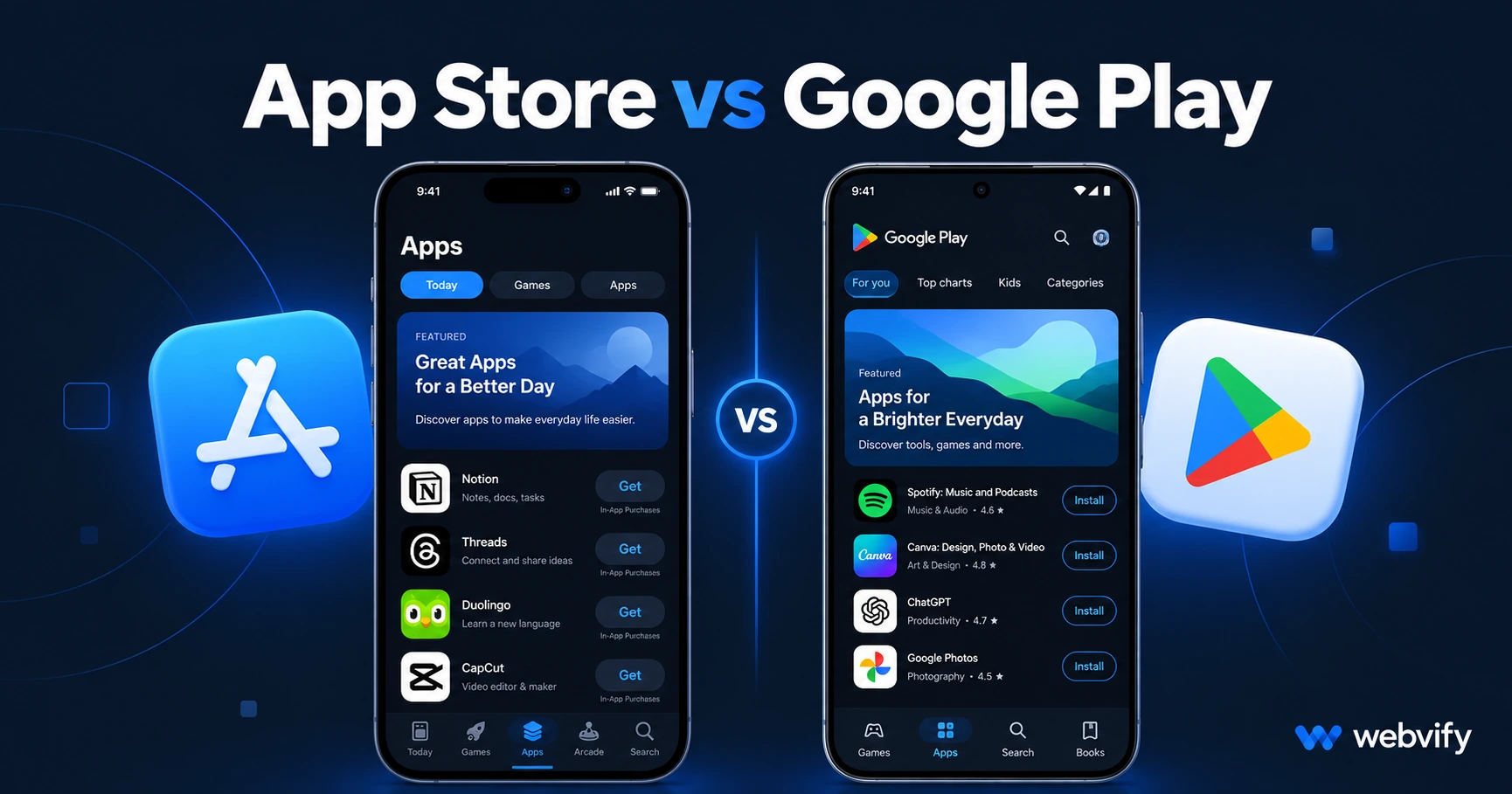
Launching your first mobile app? Here's the real difference between App Store and Google Play for small businesses — costs, approval time, audience, and which to prioritize first.
Inside this article
- What Makes App Store and Google Play Different for Small Business Owners
- App Store vs Google Play: The Key Differences for Small Businesses
- Where Are Your Customers? iOS vs Android by Business Type
- What the Submission Process Actually Looks Like
- Should You Launch on Both Platforms at Once?
- Frequently Asked Questions
Launching your first mobile app means choosing between two stores — and getting that wrong can cost you months of time. Most advice tells you to "launch on both," but if you're working with limited budget and bandwidth, the platform you prioritize first determines how fast you start reaching real customers.
What Makes App Store and Google Play Different for Small Business Owners
Both the App Store (Apple) and Google Play (Google) distribute your app to hundreds of millions of users, but they operate very differently for first-time publishers.
The App Store is known for stricter review guidelines, a more involved approval process, and a user base that skews toward higher purchasing power. Google Play approves apps faster on average and covers a wider global install base — Android holds roughly 72% of the global smartphone market. But global numbers can be misleading for a local or national business.
For a small business owner converting an existing website into an app, these differences have real practical consequences. The question isn't which platform is "better" in the abstract. It's which one your specific customers are on, and which process you can realistically navigate without a full technical team.
App Store vs Google Play: The Key Differences for Small Businesses
Account costs
Getting into the App Store requires a $99/year Apple Developer account. Google Play is a one-time $25 fee. Neither is the real cost — rejection is.
Apple's App Store review team regularly rejects apps that don't meet minimum functionality standards (Guideline 4.2) or that handle digital purchases incorrectly (Guideline 3.1.1). A single rejection cycle can add one to three weeks to your launch timeline. Google Play's review process is more automated, but Google has tightened its policies significantly since 2025. New requirements around Android API target levels, age verification, and developer identity verification mean Google Play is no longer a fast-track option for first-time publishers.
Review time
Apple typically completes its initial review in 24–72 hours. Plan for at least one round of revision requests if your app involves login flows, third-party services, or any kind of digital purchase.
Google Play averages one to three days for new apps. However, since late 2026 Google requires new apps to complete a closed testing phase with at least 12 testers over 14 days before going public. That single requirement has changed the timeline math for Android significantly — a first-time Google Play launch now takes at least two to three weeks from submission to public availability.
User demographics
Globally, Android has over 70% of smartphone users. In the United States, Canada, the UK, and Australia, iOS holds 50% or more of the market — and among users aged 25–44 in these regions, iPhone usage is often dominant. This is typically the core small business customer segment.
Where Are Your Customers? iOS vs Android by Business Type
Global averages rarely reflect your actual audience. The only number that matters is what your current website traffic shows.
If you have Google Analytics or any web tracking in place, look at your mobile traffic split between iOS and Android devices right now. That number reflects the real devices your customers use — not a global average.
As a general pattern: restaurants, retail shops, and local service businesses tend to see close to a 50/50 iOS-to-Android split. Professional services and healthcare providers skew slightly iOS. Home services like HVAC, roofing, and plumbing see stronger Android use in many regions. E-commerce stores in the US consistently see iOS as the majority among buyers who actually convert.
Services like Webvify handle both App Store and Google Play as part of a single project, which sidesteps this decision entirely. When the submission is managed for you, launching on both platforms simultaneously is realistic — even without any development team on your side.
What the Submission Process Actually Looks Like
For a WebView app — the most common way small businesses convert an existing website into an app — each platform has specific submission requirements worth understanding before you start.
App Store submission
You need an Apple Developer account, a signed app binary, a privacy policy URL, screenshots at multiple device sizes, and compliance with Apple's content guidelines. The most common rejection triggers are insufficient app functionality (the app must do more than display a web page) and in-app purchase handling for digital goods.
For a step-by-step walkthrough of this process, the App Store submission guide covers every requirement from account setup to first review.
Google Play submission
You need a Google Play Console account, an Android App Bundle (AAB file), a completed data safety form, a privacy policy, and a content rating questionnaire. The mandatory 12-tester closed testing phase applies to all new apps. You need to recruit testers, run the closed beta for at least 14 days, and then request a review for public access.
If you're new to this requirement, the Google Play 12 testers guide walks through how to pass closed testing efficiently, including how to find the required testers quickly.
Should You Launch on Both Platforms at Once?
For most small businesses, the answer is yes — but only with the right support in place.
The reason to launch both simultaneously: your customers are split between iOS and Android regardless of which platform you prefer. A customer who can't find your app on their platform won't wait — they'll bookmark your website instead, and you've lost the push notification access and home screen presence that make a mobile app valuable in the first place.
The reason businesses typically launch one platform at a time: complexity. Building, certifying, and submitting apps to two platforms with different toolchains, different review requirements, and different developer accounts can overwhelm a small business owner doing this for the first time.
The practical solution: work with a service that handles both as a single project. When done-for-you submission covers both stores in parallel, the "iOS first or Android first" question doesn't apply — both apps ship together.
Frequently Asked Questions
Is the App Store or Google Play easier to get approved on?
As of 2026, both have meaningful requirements. Google Play's new 12-tester closed testing rule now means Android launches take longer than they used to. Apple has strict minimum functionality standards and specific rules for digital purchases. For a well-built WebView app from a reputable service, approval on both platforms is achievable — the key is knowing which specific guidelines apply to your app type before you submit, not after you get rejected.
Do I need separate developer accounts for the App Store and Google Play?
Yes. You need an Apple Developer account ($99/year) and a Google Play Console account ($25 one-time). Both should be registered under your business name so you own the listings permanently. If you work with a done-for-you app service, they submit under your own accounts — not theirs — which means your app stays live even if you ever change providers.
What happens if my app gets rejected on one platform but not the other?
The rejection reasons are almost always different between platforms since the guidelines are different. An App Store rejection (most commonly Guideline 4.2 or 3.1.1) won't affect your Google Play submission, and vice versa. Fix the issue cited in the rejection notice, resubmit, and the review clock resets. Most first-time rejection reasons are fixable without rebuilding the app.
Your mobile app should be available on both the App Store and Google Play — not because of generic advice, but because your customers are on both. Getting there without hiring a development team is exactly what Webvify is built for: one project, both stores, fully managed from build to launch.