

App Store Keyword Research Guide for Small Businesses
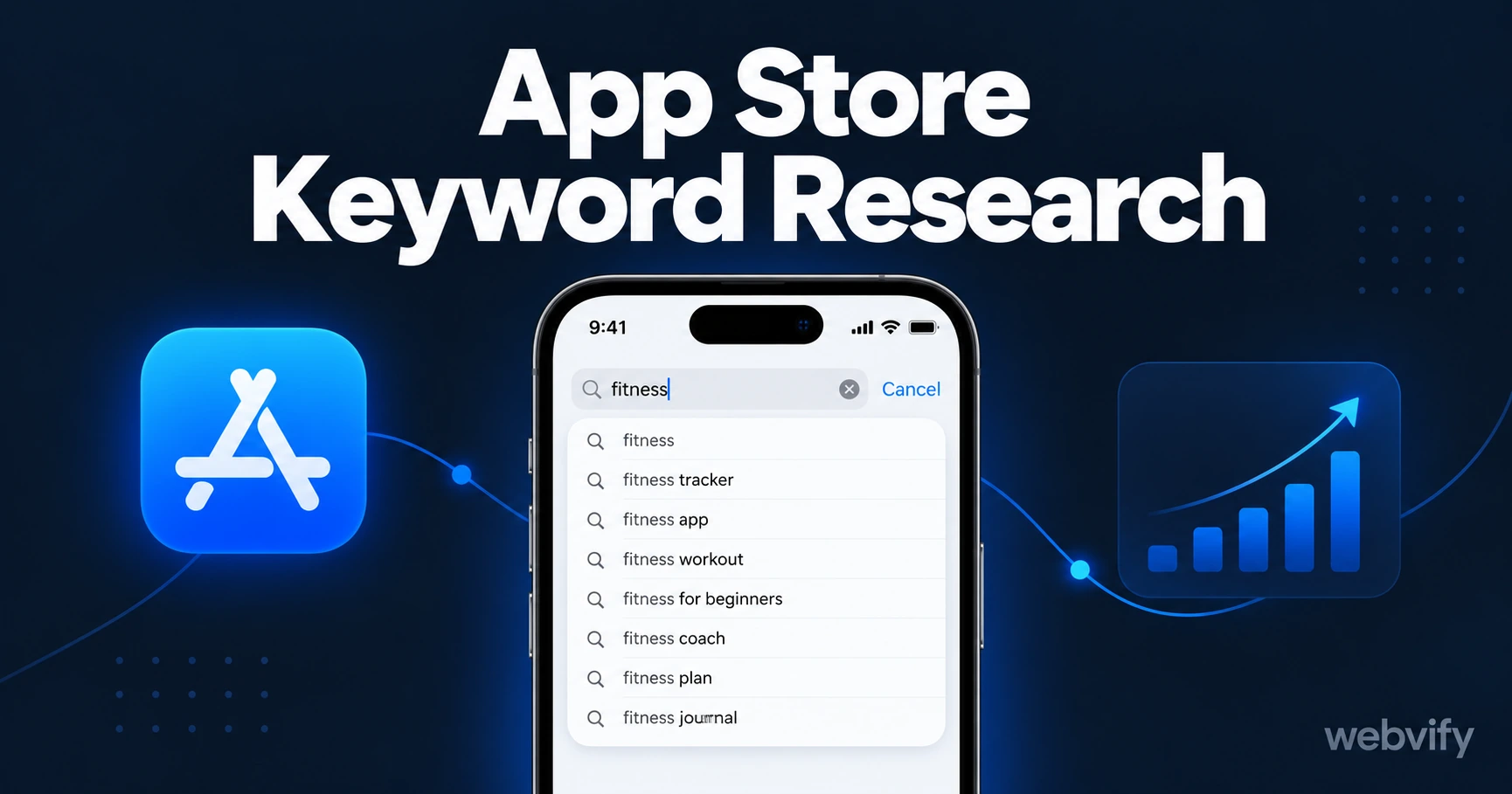
Step-by-step app store keyword research for small businesses. Find the right keywords, apply them correctly, and get found in App Store search.
Inside this article
Your app is approved and live on the App Store. But without the right keywords in your title and keyword field, you're invisible to the 48% of users who find apps through App Store search — which is the single largest discovery channel for new apps.
Why App Store Keyword Research Is Different From Google
The App Store algorithm doesn't index a blog post, product description, or full web page. It indexes three specific fields you fill out when submitting your app:
- Title (30 characters maximum) — the highest-weighted field in the algorithm
- Subtitle (30 characters maximum) — second-highest weight
- Keyword field (100 characters maximum) — additional terms not in your title or subtitle
If a keyword doesn't appear in one of those three fields, your app simply won't rank for that search. There's no body copy to fall back on. That's why app store keyword research is a fundamentally different exercise from SEO: you're not selecting keywords to write around — you're selecting a short list to stake your entire discoverability on.
How to Find the Right App Store Keywords
The goal is to find phrases that real customers search for, with enough volume to be worth targeting but not so competitive that a new or small app has no chance.
Start with App Store autocomplete
Open the App Store on your iPhone or Android device and start typing your core business category. The dropdown suggestions are real search queries with enough volume to appear. If you run a yoga studio app, type "yoga" and note what autocompletes: "yoga classes", "yoga schedule app", "yoga studio booking". Each one is a real keyword with real traffic.
Do this with 5–10 seed phrases. You'll build a list of 20–30 natural-language candidates in under an hour, with zero tools.
Study the competition
Look at the top 3 apps in your category. Their title and subtitle are public — that's their keyword strategy on display. If the top salon booking apps use "Salon Appointment & Reminder" in their titles, you know those phrases drive real downloads. You also know where competition is heaviest and where there might be room for a more specific phrase.
Use free ASO tools
You don't need a paid subscription to get started:
- AppFollow (free tier) — search any keyword to see volume estimates and difficulty scores
- App Store Connect Analytics — once your app is live, shows which search terms generated impressions and downloads for your specific app
- Sensor Tower (limited free lookups) — shows keyword rankings for any published app
For new apps before launch, the autocomplete method plus AppFollow will give you a working keyword list without budget.
How to Evaluate and Prioritize Your Keyword List
With 20–30 candidates, you need to narrow to the ones worth your 100 keyword field characters. Three filters:
Relevance first. Does this keyword accurately describe your app? Ranking for an irrelevant term hurts conversion — impressions without downloads signal to the algorithm that your app is a poor match. Cut anything only loosely related.
Volume vs. difficulty balance. Generic, high-volume terms ("booking app", "loyalty app") are dominated by well-funded apps with thousands of reviews. You won't win there. Mid-volume, specific terms ("yoga class scheduler", "nail salon loyalty app") are achievable for a small business app starting from zero reviews.
Long-tail terms convert better. A searcher typing "hair salon appointment reminder app" knows exactly what they want. The specificity filters out casual browsers and attracts customers with genuine intent — which means those downloads are more likely to be real active users.
This is the same thinking behind app store optimization for small businesses: ranking for a smaller, more specific keyword that converts is more valuable than a high-ranking position for a generic term that doesn't.
Where to Apply Your Keywords in the App Store
App title (30 characters): Place your most important keyword here. The title is the most heavily weighted field. "Yoga Studio Booking App" ranks better for those terms than "YogaStudio by [Your Name]". Use the full 30 characters if you can.
Subtitle (30 characters): Cover a different keyword cluster than your title. If the title covers appointment booking, the subtitle can cover loyalty, reminders, or push notifications — whichever secondary use case your customers also search for.
Keyword field (100 characters, comma-separated): List additional keywords not already in your title or subtitle. The algorithm already indexes your title and subtitle — repeating them here wastes characters. No spaces after commas (each space wastes one character). Do not include your brand name or competitor names.
A well-structured example for a salon app:
- Title:
Salon Booking + Loyalty App - Subtitle:
Appointments & Client Rewards - Keyword field:
hair,nail,beauty,scheduler,reminders,push notifications,rebooking
Services like Webvify include App Store setup guidance as part of the submission process — they walk you through the exact title, subtitle, and keyword configuration so your app starts indexed correctly from day one.
When to Update Your App Store Keywords
Keyword research isn't a one-time setup. Review your App Store Connect analytics every 90 days:
- Keywords with impressions and zero downloads → replace them (wrong intent or wrong match)
- Keywords with impressions and high downloads → protect them (they're working, don't remove)
- Keywords with zero impressions → replace with new autocomplete-tested candidates
After updating keywords, Apple re-indexes your app within 24–48 hours. If you're actively working to grow your downloads through other channels, these ten growth strategies compound well with a strong keyword foundation.
FAQ
How many keywords can I include in the App Store keyword field?
The keyword field allows 100 characters. Use comma-separated keywords with no spaces after commas to fit the most terms. Depending on keyword length, you can typically fit 7–14 keywords. Apple counts each comma-separated term individually for indexing, so shorter, more targeted keywords pack more coverage into the 100-character limit.
How long does it take for App Store keywords to start working?
Apple re-indexes your metadata within 24–48 hours of an update. However, how quickly you see changes in impressions depends on your app's overall review count and download velocity. New apps with few reviews will rank below established apps even for well-chosen keywords — it takes consistent downloads over several weeks to build ranking authority.
Can I use a competitor's app name as a keyword on the App Store?
No. Apple's guidelines prohibit using competitor brand names in your app metadata. Apps caught doing this can be rejected or delisted. Focus on category-level and feature-specific keywords that accurately describe your app.
Ready to get your app live and indexed correctly from day one? Webvify handles everything from build to App Store submission — including setup guidance for titles, subtitles, and keyword fields — so you're not starting from zero.