

AI App Builder vs WebView App: Which Is Right for Your Business in 2026?
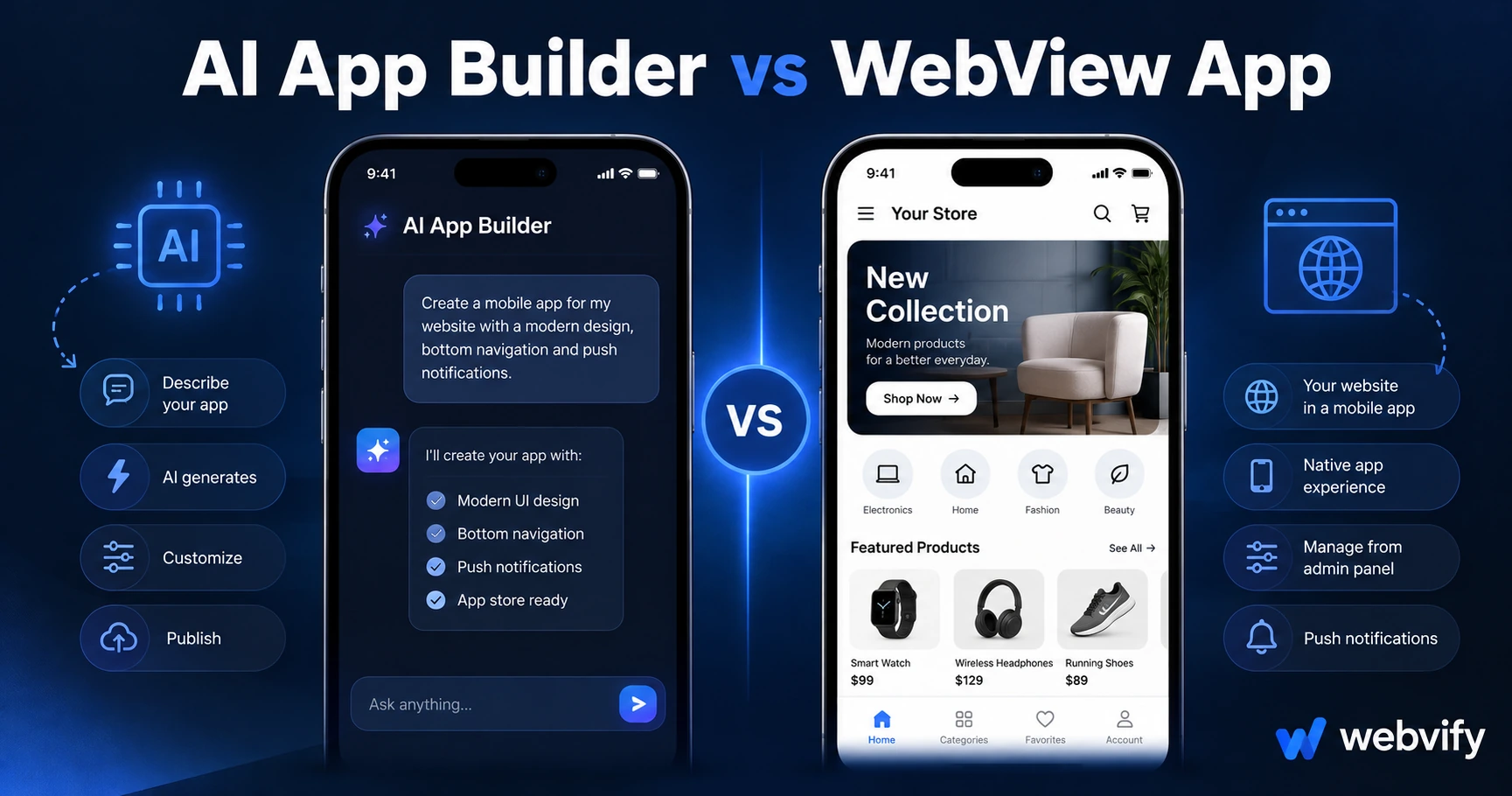
Building a mobile app in 2026? Here's the real difference between AI app builders and WebView apps — and how to pick the right one for your business.
Inside this article
AI app builders can turn a text prompt into a working mobile app in under five minutes. But if you already have a website that runs your business, you're solving the wrong problem.
What Is an AI App Builder?
AI app builders — tools like Bolt.new, Lovable, Draftbit Copilot, and similar platforms — generate mobile app interfaces from prompts. You describe what you want, and the AI scaffolds screens, UI components, and basic logic.
These tools are genuinely impressive. They've collapsed the time-to-prototype from weeks to hours for teams building new products from scratch.
But "new product from scratch" is the key phrase.
What Is a WebView App?
A WebView app wraps your existing website inside a native mobile container. Your site runs inside the app exactly as it does in a browser — with one critical difference: it's published under your name on the App Store and Google Play, it can send push notifications, and it sits on your customers' home screens.
You don't rebuild your content, your checkout, your booking system, or your product catalog. You're converting what already works into the format customers increasingly expect.
AI App Builder vs WebView App: The Core Difference
The difference isn't a technical one. It's about what starting point you're working from:
| Dimension | AI App Builder | WebView App |
|---|---|---|
| Best for | Building a new product from a blank slate | Converting an existing website |
| What you build | A new app UI from scratch | Your existing site, wrapped natively |
| Content migration | Manual — rebuild everything | None — your site is the app |
| App Store submission | Usually DIY | Handled end-to-end by the service |
| Time to launch | Fast prototype, slower production | Days to 2 weeks to live App Store |
| Ongoing maintenance | Two systems to maintain | One system — your website |
If you're a developer building a new SaaS product, an AI app builder is the right tool. If you're a business owner who already has a working website — a WooCommerce store, a Shopify shop, a WordPress site, a booking platform — you don't need to rebuild it. You need to wrap it.
Why AI App Builders Break Down for Existing Businesses
Here's the scenario that catches most business owners off guard: they discover an AI app builder, build a prototype in 20 minutes, and feel great about it.
Then they realize they need to:
- Recreate every product, page, and piece of content they already maintain on their website
- Keep two systems in sync — every time they update their website, they have to update the app separately
- Handle App Store submission themselves, including the Apple Developer Program ($99/year), provisioning profiles, binary exports, and Apple's notoriously detailed review guidelines
None of this is insurmountable. But for a restaurant owner, a salon owner, or a service business with an existing web presence, it's weeks of work to solve a problem that didn't need to exist.
A WebView app converts what you already have. Your website updates, the app updates. One source of truth.
When an AI App Builder Is the Right Call
AI app builders are the right choice when:
- You're building something that doesn't exist yet — a new tool, a new SaaS, a new digital product
- You have development experience or a developer on your team to take a prototype to production
- You need custom logic, complex UI components, or native device features (camera, GPS, offline storage) that go beyond what a website can deliver
- You're validating an idea and want to test it before investing in a full-stack build
For this use case, AI app builders are genuinely powerful. A lean team can ship a working app experience far faster than traditional mobile development.
When a WebView App Is the Right Call
A WebView app is the right choice when:
- You already have a website running your business
- You want your existing customers to be able to install your business on their phones
- You want push notifications without paying for a developer to build native integrations
- You need to appear on the App Store and Google Play but don't have mobile development experience
- You want a low-maintenance path — update your site, the app reflects it automatically
Services like Webvify handle the full conversion end-to-end: building the WebView wrapper, configuring push notifications, submitting to both the App Store and Google Play under your developer accounts, and handing you an admin panel to manage it afterwards.
For an existing-website business, this is almost always the faster, cheaper, lower-risk path. And it works with nearly any modern website — Shopify, WooCommerce, WordPress, Webflow, Squarespace, or a custom stack.
If you're deciding between different types of no-code approaches more broadly, this guide to choosing the right mobile app builder walks through the full landscape.
The Maintenance Problem Nobody Mentions
AI app builder reviews rarely talk about what happens after launch.
With an AI-generated app, you're managing two separate systems: your website and your app. When you add a new product, run a promotion, or update your pricing, you need to update both. If your business changes faster than your team's capacity to maintain two codebases, the app starts to drift.
WebView apps solve this by design. Because the app renders your website, there's nothing to keep in sync. Your website is the single source of truth.
This matters more than it sounds at launch. Most businesses don't realize the dual-maintenance problem until three months after they've published their AI-generated app. For a broader view of what different build approaches cost long-term, this breakdown of no-code vs custom development is worth reading.
Frequently Asked Questions
Can AI app builders convert my existing website into an app?
No — AI app builders generate a new app from scratch, not from your website's content. They produce a new UI with new screens that you'd need to manually populate with your existing products, services, and content. Converting an existing website into a mobile app requires a WebView approach, where your site runs inside a native mobile container without any content migration.
How long does it take to get a WebView app approved on the App Store?
Apple's review process typically takes 24–48 hours once a complete build is submitted. The total timeline from starting a WebView conversion to a live App Store listing is usually 5–14 business days, depending on whether there are guideline issues to address. With a managed service that handles submission on your behalf, that timeline is predictable and the rejection risk is significantly lower.
Is a WebView app different from a native app in terms of user experience?
WebView apps render your website inside a native container, so the experience mirrors your mobile website — but with native features layered on top: push notifications, home screen presence, and App Store distribution. For most business use cases (browsing, booking, e-commerce, content delivery), the experience gap between a well-optimized WebView app and a fully native app is minimal.
Ready to convert your website into a mobile app? Webvify handles the full process — from WebView build to App Store submission to push notifications.