

Turn Your Accounting Firm’s Client Portal Into a Mobile App: Fewer Chases, Faster Payments
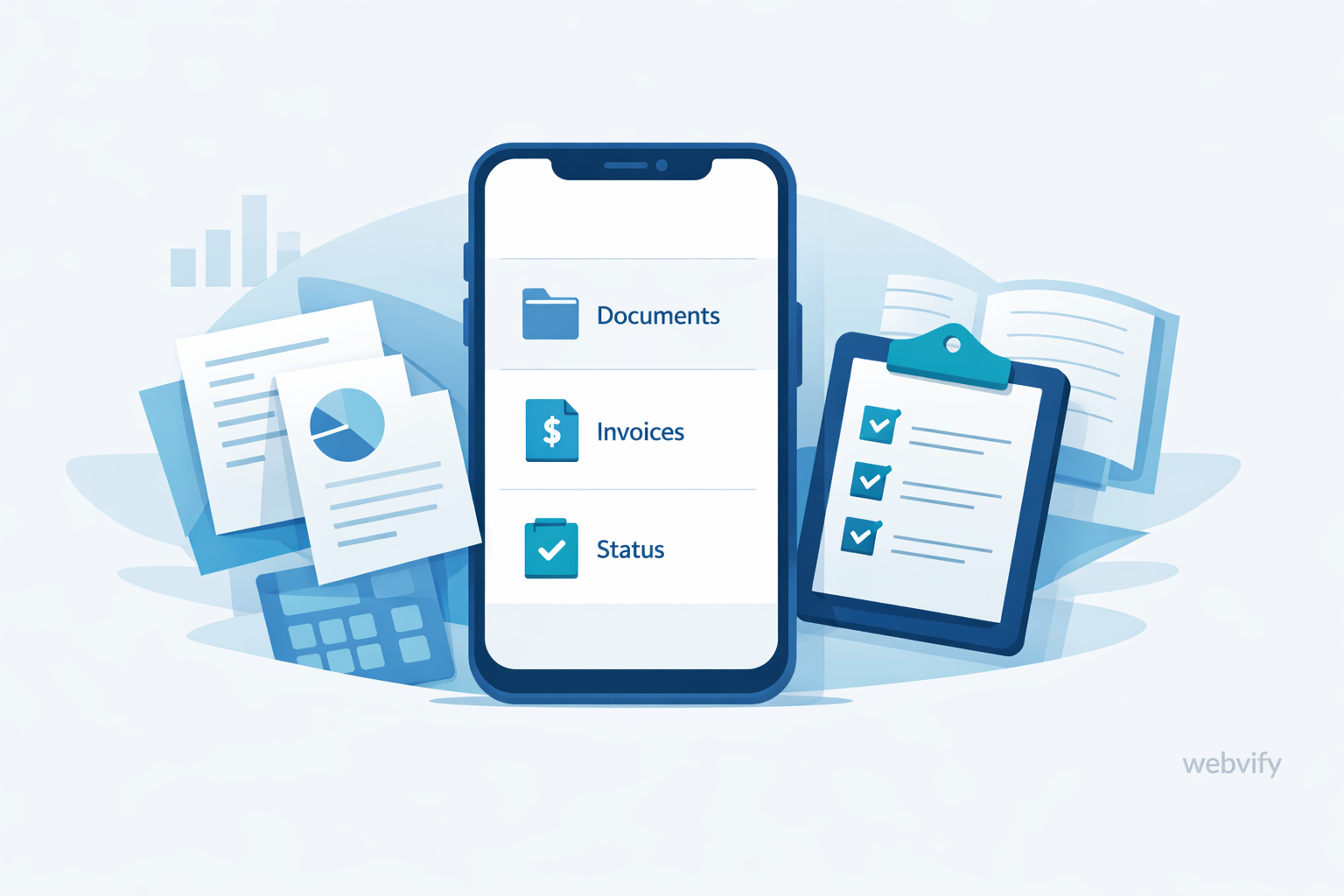
Reduce document delays, cut status calls, and get paid faster by turning your accounting client portal into a simple mobile app.
Inside this article
Most accounting, bookkeeping, and tax firms already have a client portal. On paper, it should solve everything: clients upload documents, you request missing items, you share status updates, and they pay invoices.
In reality, the same issues keep coming back:
- Documents arrive late (or incomplete)
- Email threads become the “real portal”
- Clients ask for status updates because they cannot find the latest message
- Invoices go out… and then you spend days chasing payments
The portal is not “bad.” It is just not where your clients live every day. Their phone is.
What does “webview-to-app” actually mean?
“Webview-to-app” is a practical way to turn your existing web portal into a mobile app (iOS and Android) without rebuilding the portal.
In plain language:
- Your current portal stays the same
- The portal opens inside a mobile app (a secure in-app browser, often called a webview)
- Clients install it like any other app and keep it on their home screen
- You can add mobile-first touches like push notifications and shortcuts
For an accounting firm, the biggest change is not the technology. It is the habit: clients are far more likely to respond when the portal is one tap away.
Who this is for (and who it is not)
This is for you if:
- You already have a client portal (document upload, onboarding forms, invoice/payments, case status)
- You lose time chasing missing items (especially during tax season)
- You want fewer “What’s the status?” calls and fewer scattered email threads
- You want clients to pay faster without sounding pushy
This is not for you if:
- You do not have a portal yet (you may want to start there first)
- Your process is intentionally “email-only” and you do not want to centralize communication
- Your client base rarely uses smartphones (uncommon, but possible in a few niches)
The 7 highest-impact app features for accounting firms
-
Push notifications (the real lever)
- Examples: “Your 2025 tax checklist is ready,” “2 documents still missing,” “Invoice due tomorrow.”
- Email gets buried. A short, respectful push notification gets action.
-
A document request checklist clients can actually finish
- Turn “please send everything” into a clear list: identity, income, expenses, business statements, prior returns, etc.
- Clients feel progress instead of confusion, and you get fewer partial uploads.
-
One-tap secure upload (camera + files)
- Let clients scan receipts, W-2s, or invoices from their phone in seconds.
- This is especially useful for bookkeeping clients who forget until the end of the month.
-
Status snapshots that reduce calls
- Simple stages help: “Received,” “In Review,” “Waiting on Client,” “Ready to Sign,” “Filed.”
- If the status is clear, clients stop asking.
-
Payment reminders that do not feel awkward
- Clients do not always ignore invoices on purpose. They forget.
- Short reminders + a one-tap pay path reduces aging AR without extra back-and-forth.
-
In-app messages that stay attached to the work
- Keep conversations tied to the client record, request, or task.
- This prevents “which email thread was that?” during peak season.
-
Smart shortcuts for repeat workflows
- “Upload documents,” “Pay invoice,” “Send a question,” “Book a call.”
- Fewer steps means higher completion rates.
A practical 14-day launch plan
- Days 1–2: Pick one primary workflow
- Start with the biggest bottleneck (often tax document collection or monthly bookkeeping uploads).
- Days 3–4: Define your “done” checklist
- What exact items must the client submit for you to proceed?
- Days 5–6: Prepare push notification copy
- Keep it short, polite, and action-based (no guilt, no pressure).
- Days 7–8: Create 3 client segments
- Example: “Tax season,” “Monthly bookkeeping,” “Late invoices.”
- Days 9–10: Test internally with 5–10 friendly clients
- Watch where they get stuck. Fix the friction, not the client.
- Days 11–12: Roll out to one service line
- Example: personal tax clients first, or one bookkeeping package.
- Days 13–14: Measure and adjust
- Look at upload completion time, payment time, and support volume.
Common objections (answered)
“We already have a portal. Why do we need an app?”
Because “having a portal” is not the same as clients using it on time. An app changes access and habits. One-tap access plus notifications often fixes the real problem: slow client response.
“Will this be a big rebuild or a long project?”
No. With a webview-to-app approach, you keep your portal and wrap it into a mobile app. The work is usually about polishing the client flow and communication, not rewriting your system.
“Is a webview app secure enough for sensitive documents?”
Security depends on how your portal already works (authentication, permissions, HTTPS, session handling). The app should follow the same rules and can add mobile-friendly protections. Treat it like any client portal: apply best practices and limit access properly.
“Will clients actually install another app?”
Clients install apps when the value is clear: faster service, fewer mistakes, less chasing, and simpler uploads. The best adoption happens when you tie the app to a real moment of need (tax checklist, monthly close, invoice due).
“Will this increase support load?”
Usually the opposite, if you design it around self-service. Clear statuses, checklists, and in-app messaging reduce repetitive emails and calls.
“What if we have multiple services (tax + bookkeeping + payroll)?”
Start with one workflow. Once the pattern works, expand. Trying to launch every feature at once is the fastest way to confuse clients.
Metrics to track after launch
- Time-to-complete document collection (request sent → all required items received)
- Number of reminders per client (lower is better)
- Support volume (status calls, “what’s missing?” emails)
- Invoice payment time (issued → paid)
- Login frequency (weekly/monthly active clients in the portal/app)
- Task completion rate (how many clients finish the checklist without help)
FAQ
Do I need to rebuild my portal to launch an app?
No. Webview-to-app means your existing portal can run inside a mobile app shell, so you typically avoid a full rebuild.
Will this work with our current login and permissions?
In most cases, yes. The app should respect your existing authentication and role rules.
What’s the best first workflow to launch?
Start with the highest-friction workflow: tax season document collection or monthly bookkeeping uploads are common winners.
How do push notifications help without annoying clients?
Keep notifications short, helpful, and tied to a clear action. Reduce volume by only nudging when something is actually needed.
Can we use the app to reduce late payments?
Yes. Faster reminders + a simpler pay path can shorten the time between invoice sent and invoice paid.
How soon should we expect results?
You often see early signals within weeks: fewer missing documents, fewer status calls, and faster payments—especially in the workflows you launch first.
If you want to turn your accounting firm’s client portal into a mobile app (without a rebuild), Webvify can help you launch quickly and reduce the day-to-day chasing. Learn more at https://webvify.app.